

GitHub Trending출처: GitHub Trending Daily All조회수 93
microsoft/PowerToys
By GitHub Trending Daily All2026년 2월 12일
**microsoft/PowerToys**
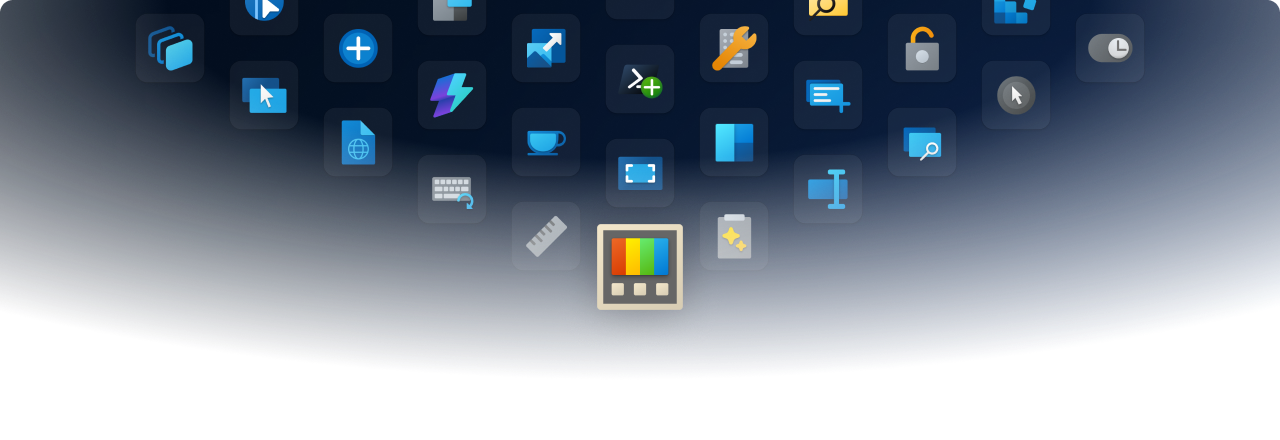
Microsoft PowerToys is a collection of utilities that supercharge productivity and customization on Windows Microsoft PowerToys Microsoft PowerToys is a collection of utilities that help you customize Windows and streamline everyday tasks. Installation · Documentation · Blog · Release notes 🔨 Utilities PowerToys includes over 25 utilities to help you customize and optimize your Windows experience: Advanced Paste Always on Top Awake Color Picker Command Not Found Command Palette Crop And Lock Environment Variables FancyZones File Explorer Add-ons File Locksmith Hosts File Editor Image Resizer Keyboard Manager Light Switch Mouse Utilities Mouse Without Borders New+ Peek PowerRename PowerToys Run Quick Accent Registry Preview Screen Ruler Shortcut Guide Text Extractor Workspaces ZoomIt 📋 Installation For detailed installation instructions and system requirements, visit the installation docs. But to get started quickly, choose one of the installation methods below: Download .exe from GitHub Go to the PowerToys GitHub releases, click Assets to reveal the downloads, and choose the installer that matches your architecture and install scope. For most devices, that's the x64 per-user installer. Description Filename Per user - x64 PowerToysUserSetup-0.97.1-x64.exe Per user - ARM64 PowerToysUserSetup-0.97.1-arm64.exe Machine wide - x64 PowerToysSetup-0.97.1-x64.exe Machine wide - ARM64 PowerToysSetup-0.97.1-arm64.exe Microsoft Store You can easily install PowerToys from the Microsoft Store: WinGet Download PowerToys from WinGet...
---
**[devsupporter 해설]**
이 기사는 GitHub Trending Daily All에서 제공하는 최신 개발 동향입니다. 관련 도구나 기술에 대해 더 알아보시려면 원본 링크를 참고하세요.
Microsoft PowerToys is a collection of utilities that supercharge productivity and customization on Windows Microsoft PowerToys Microsoft PowerToys is a collection of utilities that help you customize Windows and streamline everyday tasks. Installation · Documentation · Blog · Release notes 🔨 Utilities PowerToys includes over 25 utilities to help you customize and optimize your Windows experience: Advanced Paste Always on Top Awake Color Picker Command Not Found Command Palette Crop And Lock Environment Variables FancyZones File Explorer Add-ons File Locksmith Hosts File Editor Image Resizer Keyboard Manager Light Switch Mouse Utilities Mouse Without Borders New+ Peek PowerRename PowerToys Run Quick Accent Registry Preview Screen Ruler Shortcut Guide Text Extractor Workspaces ZoomIt 📋 Installation For detailed installation instructions and system requirements, visit the installation docs. But to get started quickly, choose one of the installation methods below: Download .exe from GitHub Go to the PowerToys GitHub releases, click Assets to reveal the downloads, and choose the installer that matches your architecture and install scope. For most devices, that's the x64 per-user installer. Description Filename Per user - x64 PowerToysUserSetup-0.97.1-x64.exe Per user - ARM64 PowerToysUserSetup-0.97.1-arm64.exe Machine wide - x64 PowerToysSetup-0.97.1-x64.exe Machine wide - ARM64 PowerToysSetup-0.97.1-arm64.exe Microsoft Store You can easily install PowerToys from the Microsoft Store: WinGet Download PowerToys from WinGet...
---
**[devsupporter 해설]**
이 기사는 GitHub Trending Daily All에서 제공하는 최신 개발 동향입니다. 관련 도구나 기술에 대해 더 알아보시려면 원본 링크를 참고하세요.